

IT & Computer Services

Request quotes for computer, laptop and phone repairs, data recovery, home networks and websites. Choose your job and describe it in a few short steps.
Powered by
Get free IT and computer quotes
You decide whether to hire anyone. Privacy policy
Your details are sent over an encrypted connection.
Hire with confidence: Checkatrade says its members must pass up to 12 checks, and their work can be covered by its Guarantee, up to £1,000. Eligibility and T&Cs apply.
Overview
Computer repairs, networks and IT support
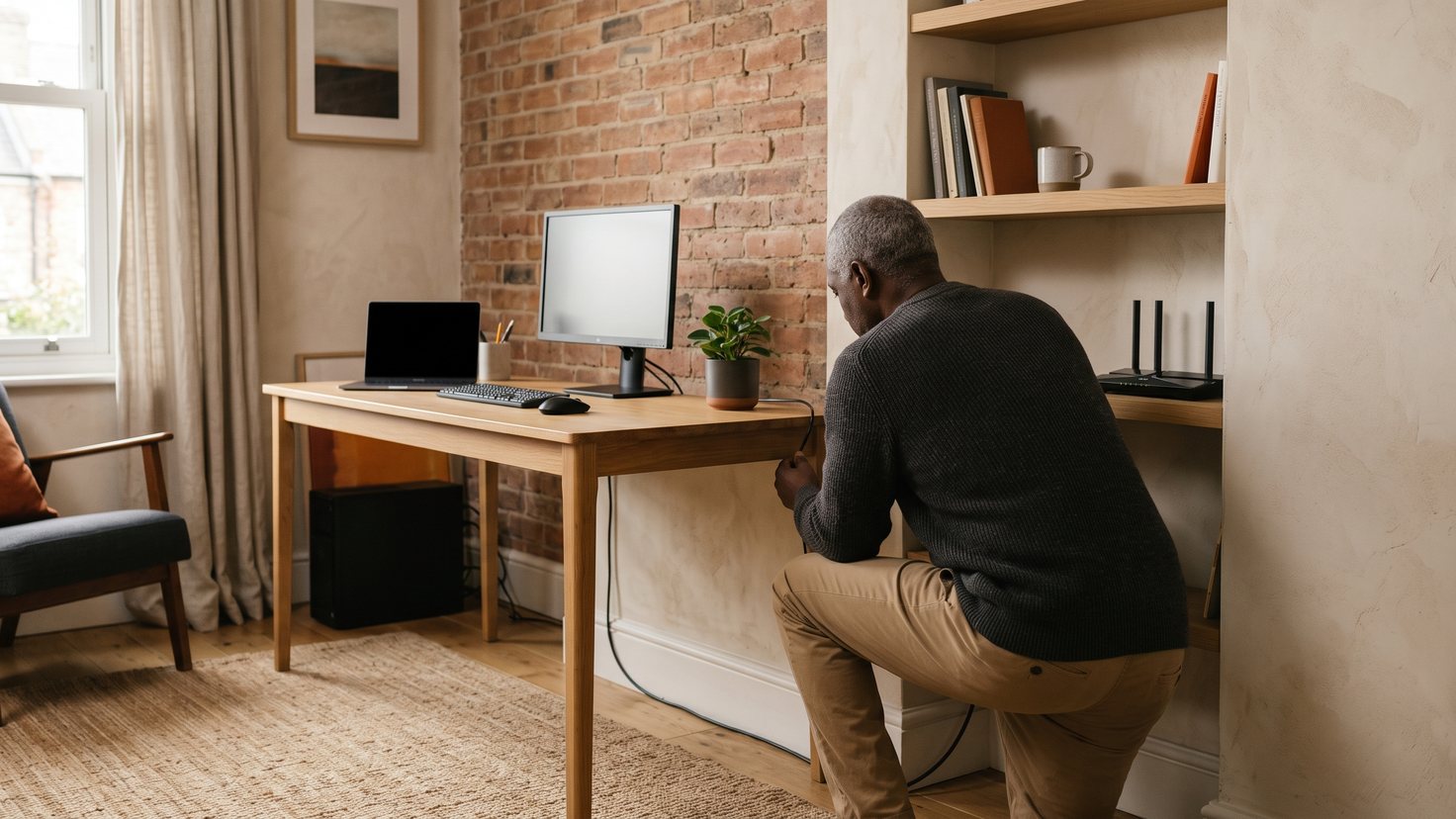
This page covers computer, laptop, phone and printer repairs, data recovery and backups, home and office networks, IT support and training, computer sales, website and graphic design, printing and software testing.
Pick the nearest job from the list in the form. If yours isn't there, choose the closest and explain what you need in the description.
Jobs you can request
Typical IT and computer jobs
Choose one of these in the form, or pick the closest and describe what you need.
Computer Repair
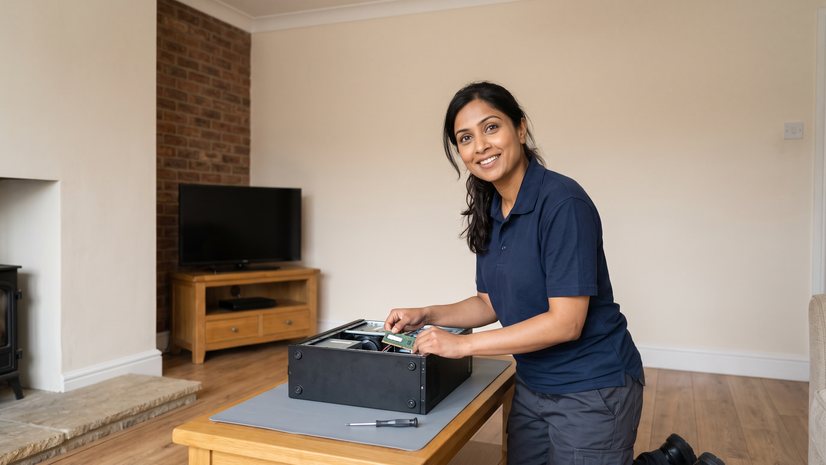
A desktop computer repaired, whether it won't start, crashes or runs slowly.

Laptop Repairs
A laptop's screen, keyboard, battery or charging port repaired or replaced.

Mobile Phone Repairs
A phone's cracked screen, battery or charging port repaired or replaced.

Data Recovery / Back up
Lost files recovered from a failed drive, or regular backups set up.

Home Networks
A home network set up or extended, with Wi-Fi or network cables.

Printer Repairs
A printer that jams, streaks or won't connect repaired.
Worth knowing
Worth checking before work starts
A few rules and checks that apply to this kind of work.
Back up first
Back up your files before a repair if you can, in case the device has to be reset.
Note the fault
Write down what the device does, any error messages, and when it started.
Passwords
Ask which passwords the repairer needs, and change them once the work is done.
Ask to see their work
Ask a web designer for links to sites they have built, and who will own the site and its domain name when it is finished.
Questions
IT and computer questions
My job isn't in the list. What should I choose?
Choose the closest job, then explain what you need in the description step.
What jobs can I request quotes for here?
Computer, laptop, phone and printer repairs, data recovery, networks, IT support and training, computer sales, web and graphic design, and printing. The full list is in the form's first step.
Can I request quotes for a new website?
Yes. Choose Website Designers and describe the site you need.
Which job do I choose for a slow computer or a virus?
Choose Computer Repair, or Laptop Repairs for a laptop, and describe what it is doing.
How much does a computer repair cost?
It depends on the fault, the parts needed, and whether data has to be recovered. Give the make, model and age, and describe the fault, so each repairer can quote.
How much does a new website cost?
It depends on how many pages it has, what it must do, such as bookings or an online shop, who writes the words and supplies the pictures, and the hosting and upkeep afterwards. Ask each designer to quote for the same brief.
Ready to describe your job?
Four short steps: the job, when you'd like it done, a description and your details.